Guide
Phone GPS timer
How to time a pass with your phone’s GPS and read the results.
What you need
- Location permission for the site.
- HTTPS (the site uses it). On iPhone, Safari and Chrome need the page over HTTPS or opened from the home screen for high-accuracy GPS.
- A firm phone mount with a clear view of the sky.
- A connection for weather. Timing uses the phone’s GPS.
Time a pass
- Open GPS timer from the hub.
- Wait for a tight GPS lock (the ± meters figure).
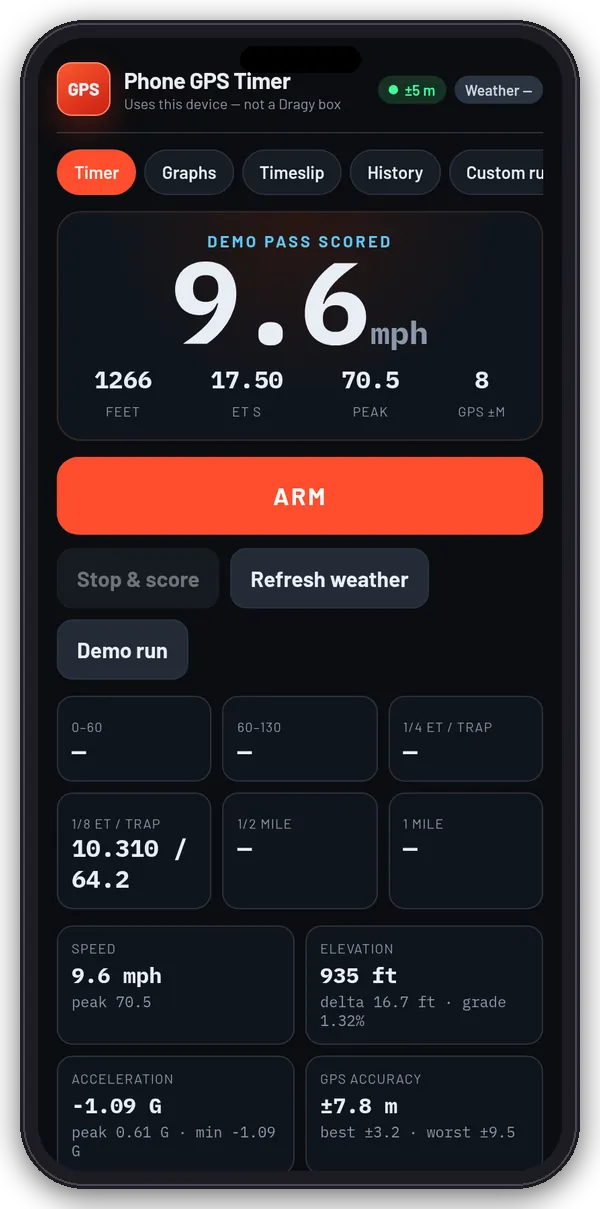
- Stage still and tap Arm, then launch. The run starts at the launch threshold you set (0.5, 1, 2 or 5 mph).
- Tap Stop & score, or let auto-end stop it when you slow after a real pass.
- Want to see it work first? Tap Demo run for a simulated pass.
What gets scored
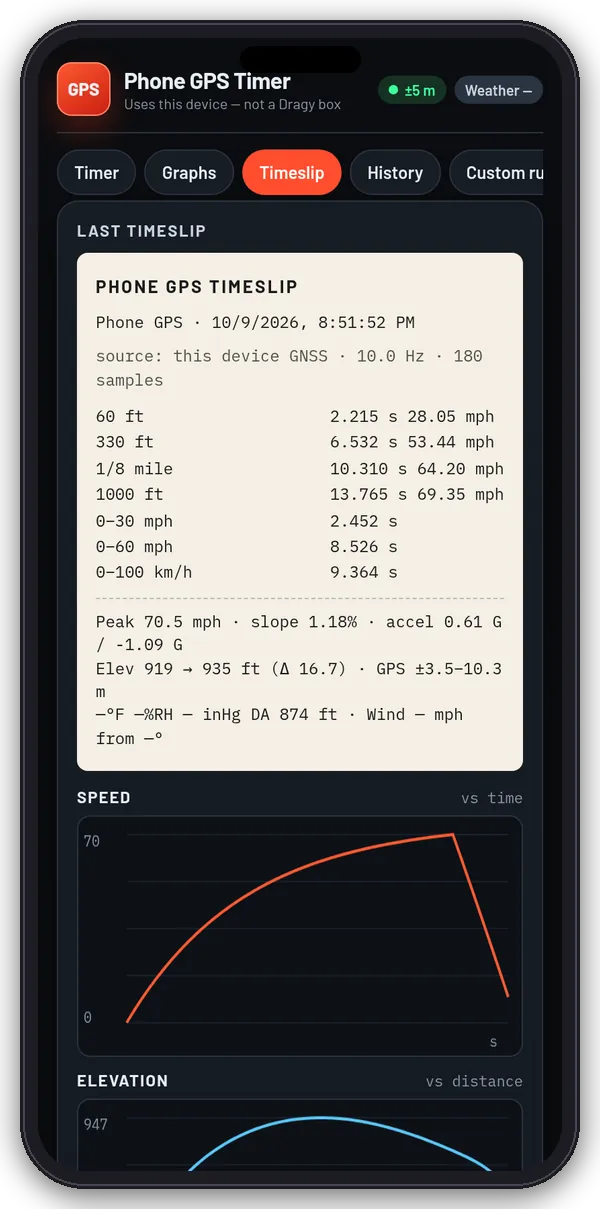
Every pass scores 0–60, 60–130, 1/8 and 1/4 mile ET and trap, 1/2 mile and 1 mile, and distance marks from launch at 60 ft, 330 ft, 1/8 mile, 1000 ft, 1/4, 1/2 and 1 mile. In Custom runs you can add speed windows (mph or km/h) and extra distances (feet, meters or miles).
Graphs, timeslip and history
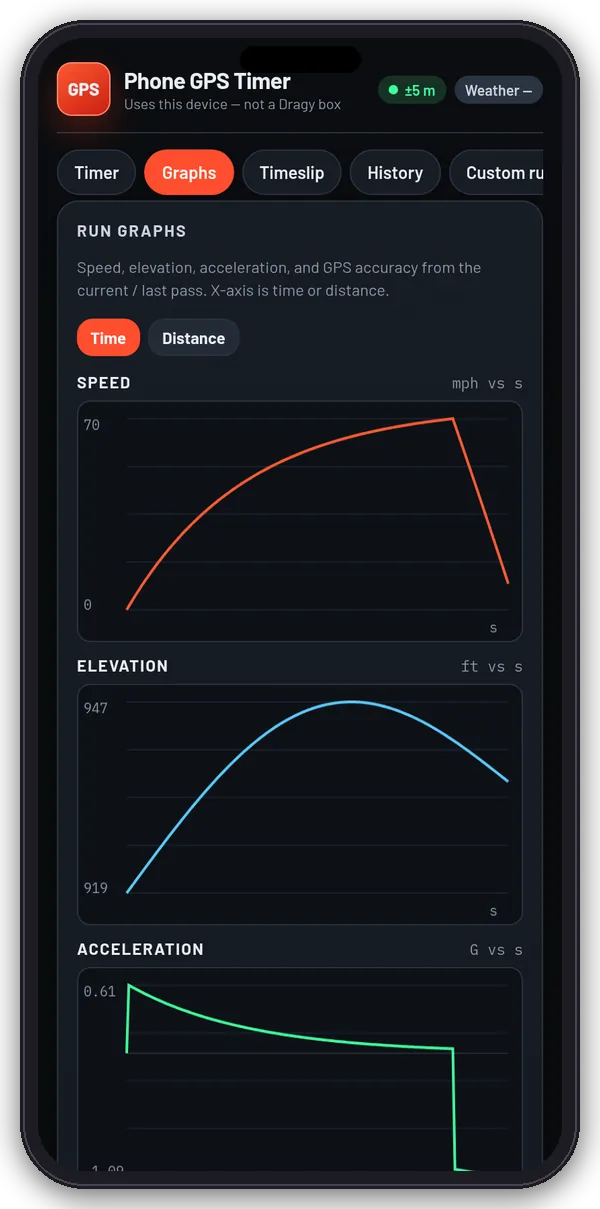
- Graphs: speed, elevation, acceleration and GPS accuracy against time or distance.
- Timeslip: Save to history, Copy text, Download JSON or Send to Moto Lab log (the Times lab).
- History: saved runs, Export all JSON and Wipe history.
Weather and settings
- Weather: Fetch from GPS loads temperature, humidity, pressure, elevation and wind from Open-Meteo for your position and works out density altitude. With no GPS lock it falls back to an approximate location from your IP address.
- Settings: name, units (mph/feet/miles or km/h/meters), rider + kit and bike weight, launch threshold, auto-end, keep screen awake and motion sensors for an extra G display.
Accuracy
Phone GPS is usually about 1 Hz and a few meters off. A Dragy Pro samples 10–25 Hz with a dedicated antenna. Use the phone timer for your own bike-to-bike testing, not as a certified timeslip. Always time on a closed course or track.