
Moto Lab
Chainline: motorcycle gearing and the lab, in your browser
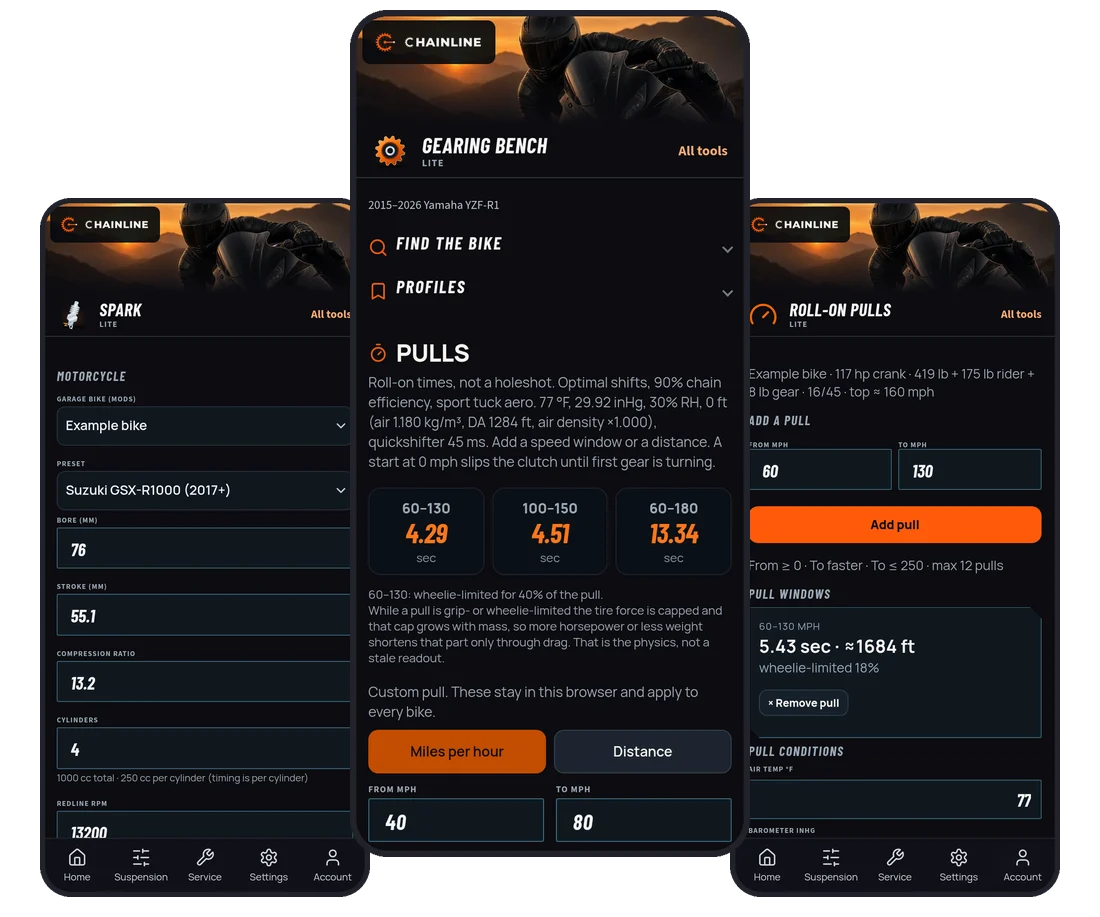
Pick your bike and change sprockets to see speed in every gear, roll-on pull times, chain length and power to weight. Time passes with your phone’s GPS, correct times for weather and weight, and check density altitude before you ride.
No download needed. It runs in the browser, and you can add it to your home screen so it opens like an app.
Lite is free. Pro is $4.99/month after a 7-day free trial. See pricing.
The tools
Everything in the app
One hub, one garage. Each tool shows a LITE or PRO badge. See the quick calculators.
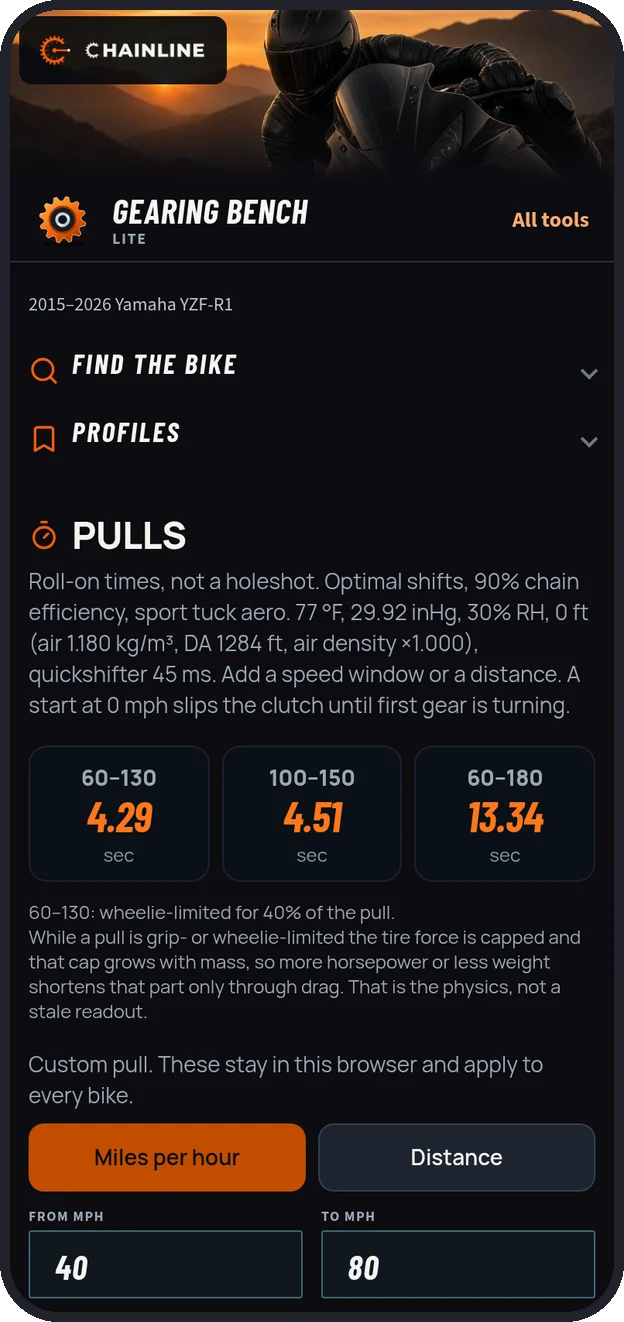
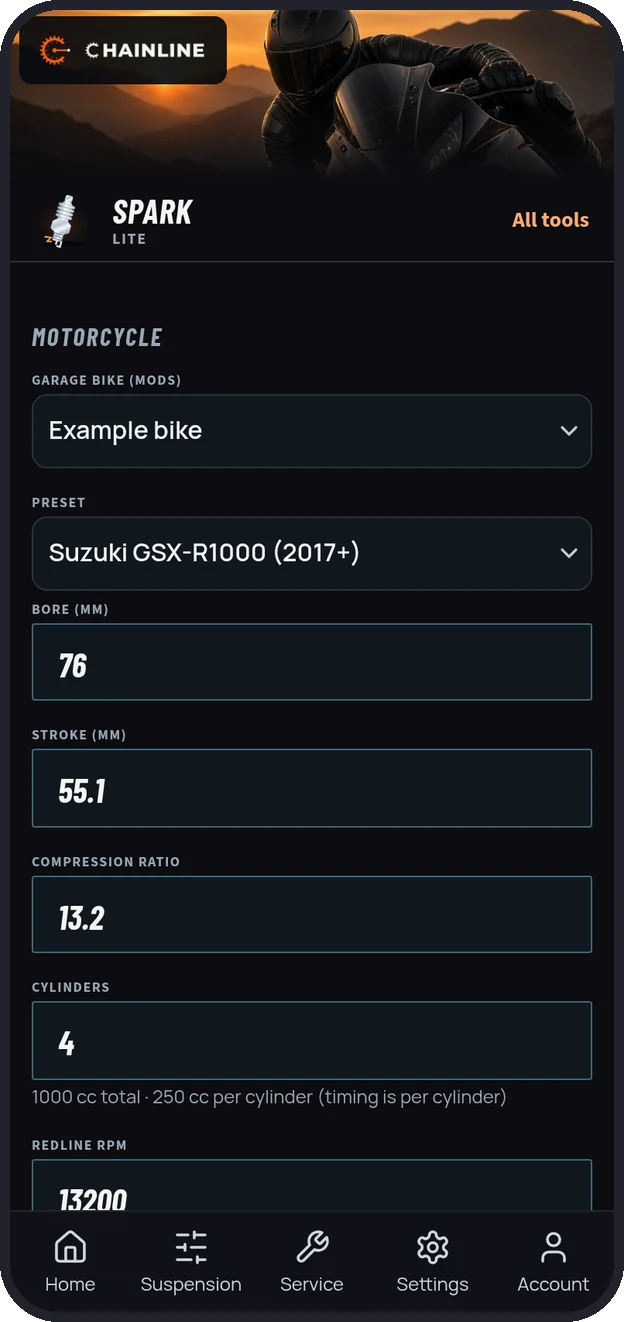
Gearing bench LITE
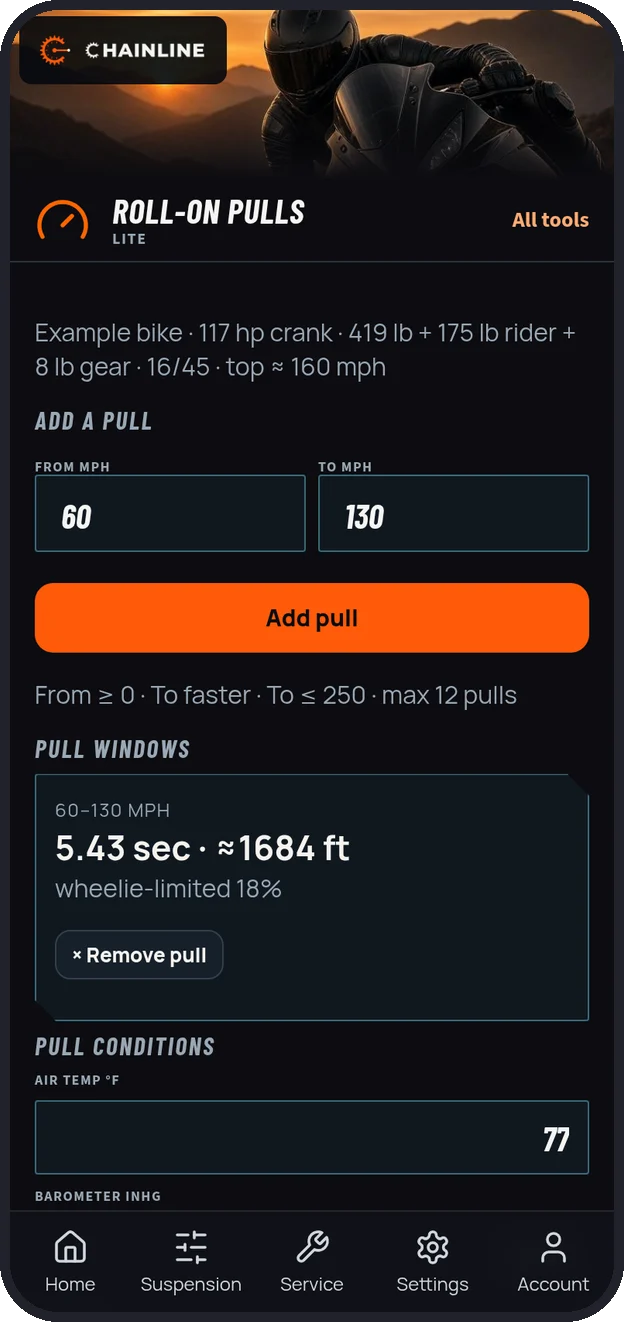
Change sprockets; see speed in every gear, pull times, chain length.
- Find the bike
- Profiles
- Pulls
Times lab PRO
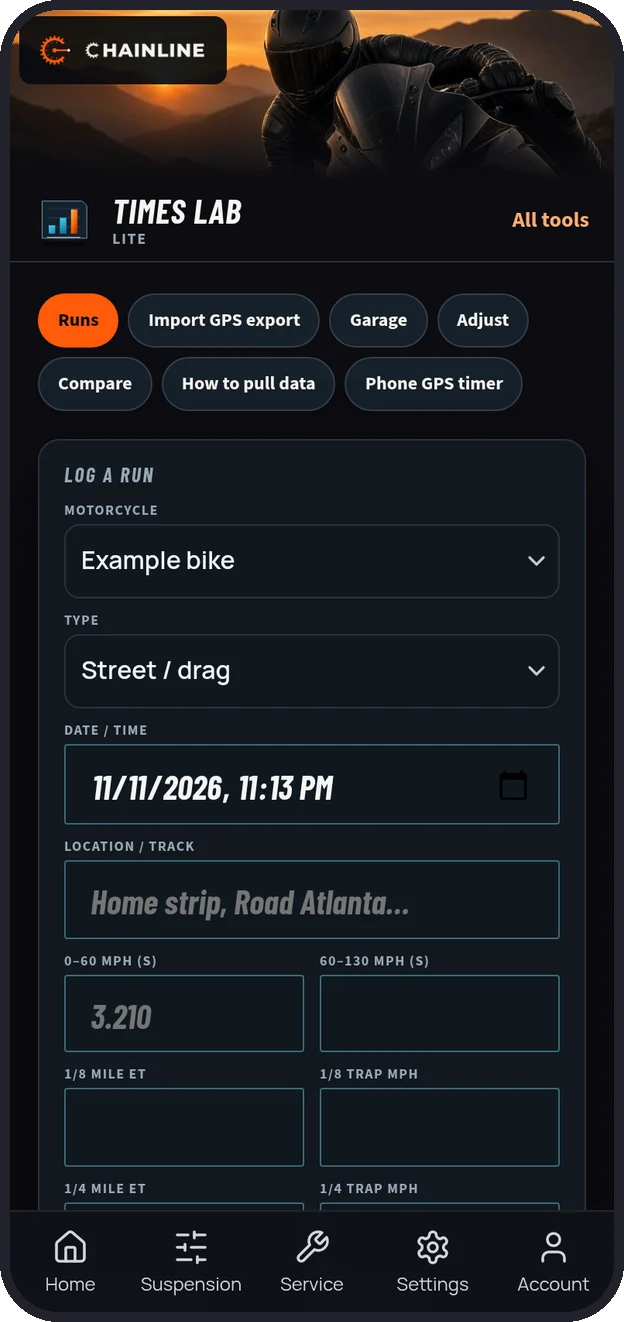
Log or import runs, then correct them for weather and weight.
- GPS-box import
- RaceChrono CSV
- GPS timer
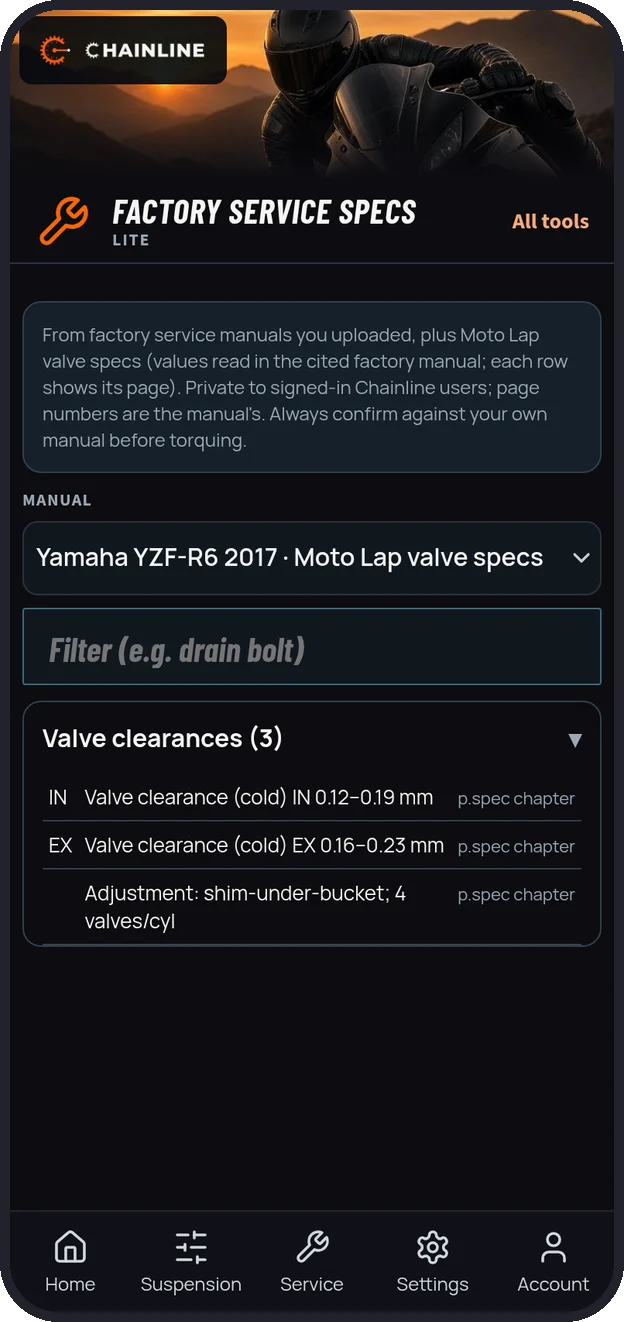
Service specs LITE
Valve clearances, torques and intervals from factory manuals.
- Valves
- Torque
- Intervals
How it works
Three steps
1
Open the app
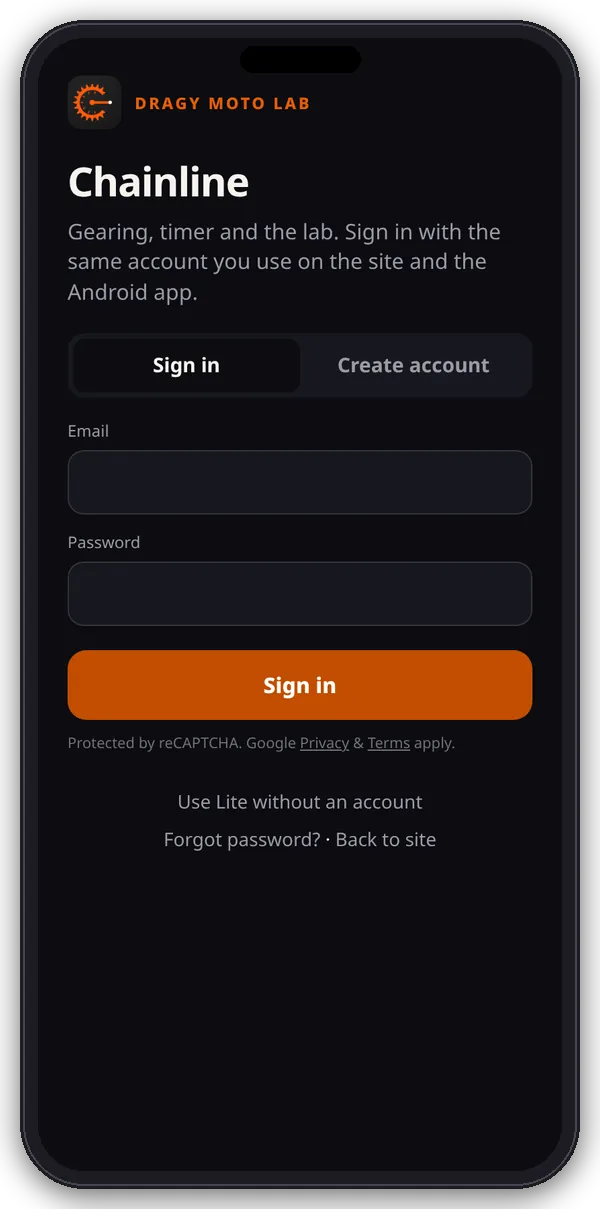
Go to /app/ and create a free account with your email and a password, or sign in. On a phone it opens full screen.
2
Pick your bike or arm the timer
Choose your bike from the gearing bench library (or enter your own with Pro), or mount your phone and time a pass with GPS (Pro).
3
Compare and decide
Try sprocket and tire changes, correct times for the air and your weight, and save profiles and runs. Your tool data stays in that browser on that device.
Plans
Lite vs Pro
Lite
Free
Free: the Chainline gearing bench (except its Pro sections), Weather, Garage, Bike database, Quick gearing, Chain length, Tire size, Power to weight and Dyno log.
Pro
$4.99/month
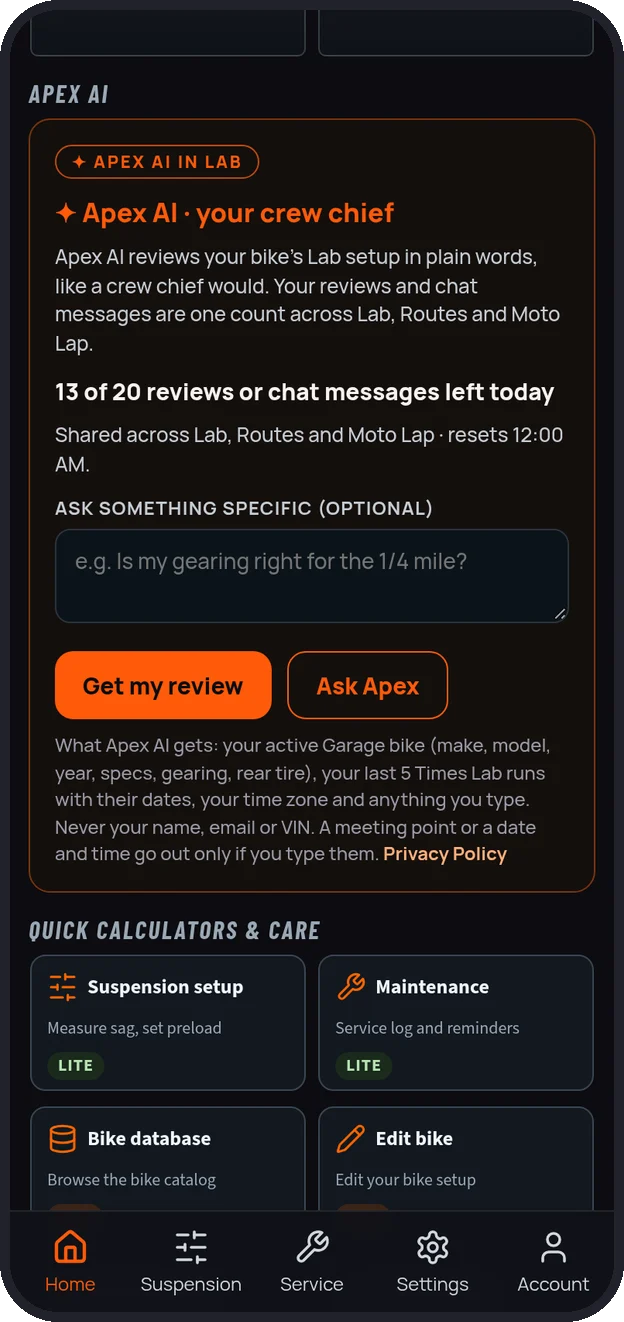
Everything in Lite plus the GPS timer, Times lab, Spark (ignition estimate and RPM × throttle map), Roll-on pulls, Edit bike and adding a bike by hand. Starts with a 7-day free trial, one per customer.
Moto Lab sets which tools are Lite or Pro, and the app always shows the current tier on each tool. Pricing details
Add to Home Screen
Open it like an app
The App page has a web app manifest, so you can put Chainline on your home screen and open it standalone, without the browser bar.
- iPhone (Safari): open /app/, tap Share, then Add to Home Screen.
- Android (Chrome): open /app/, tap the ⋮ menu, then Add to Home screen or Install app.
The icon is named “Chainline”. The app still needs a connection to load.
On Android you can also install the Chainline Android app (APK download).
FAQ
Quick answers
Do I need to install anything?
No. Chainline runs in your browser at /app/. You can add it to your home screen if you like.
How does the free trial work?
Pro starts with a 7-day free trial: $0 today, then $4.99/month. You get one trial per customer. You get a reminder email 3 days before the trial ends, and you can cancel in My Account before then.
Where is my data stored?
Your bikes, profiles, runs and timer history are saved in the browser on the device you use. They don’t sync between devices. Your account and plan live on this site.
Is the GPS timer as accurate as a dedicated GPS box?
No, and the app says so: phone GPS is usually about 1 Hz and a few meters off, while a dedicated GPS box samples 10–25 Hz with a dedicated antenna. Use it for your own bike-to-bike testing, not as a certified timeslip.
Part of Chainline
Same account, plus Community
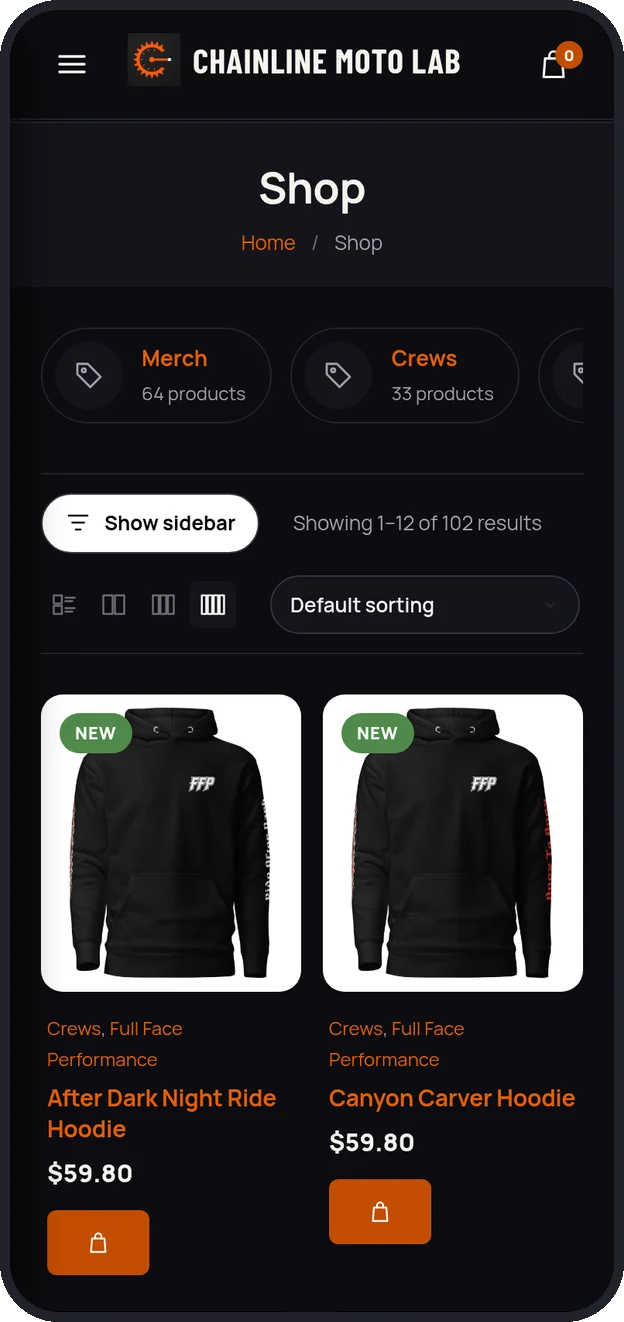
Your Lab login is a Chainline account — it also signs you into Routes, Motolap, and Community (crews, events with Fields near you, the live rider map, Go live and MeetCast, Explore, Street ID, Reels, feed, Shop and the Marketplace). Buy and sell parts in the Marketplace with secure checkout, and send a ride from Routes to the Lab in one tap to view it at /app/. Design crew merch in E-Splice AI or upload your own; it’s printed on demand, and sellers and crews get paid out through Stripe. More on the Chainline Community page.
Ready to try it?
Open the app and use Lite for free, or start the 7-day Pro trial.