Guide
Times lab
How to log, import and correct your times.
What it does
The Times lab keeps a log of your runs and corrects them for the air (density altitude) and for weight, so you can judge a setup change instead of the weather.
1. Set up your bike
- Open Times lab and go to Garage.
- Enter name, year/make/model, curb or wet weight, baseline rider weight, powertrain (naturally aspirated, turbo/supercharged or electric), sprockets, tire and ECU map, then Save motorcycle.
2. Log or import runs
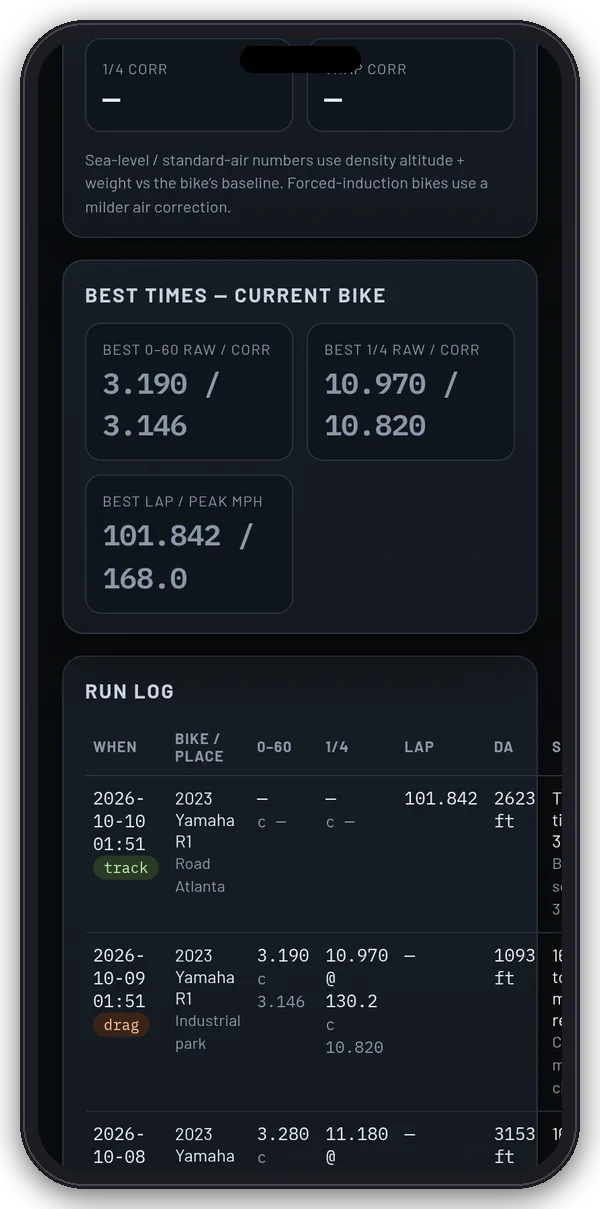
- In Runs, fill in what you have: 0–60, 60–130, 1/8 and 1/4 mile ET and trap, 100–200 km/h, best lap, peak speed, 60–0, lean, slope, weather, rider + kit weight and a setup note. Then tap Save run.
- Or use Import Dragy: drop a decrypted Dragy JSON/CSV/.txt, a Dragy times file or a RaceChrono CSV, or paste the data. Encrypted Dragy files are skipped. The app links to dragy-decryptor.d3vl.com, where you can decrypt them first.
- From the GPS timer, Send to Moto Lab log adds a pass here.
- Load sample motorcycle times fills in example data so you can try it out.
3. Read the corrections
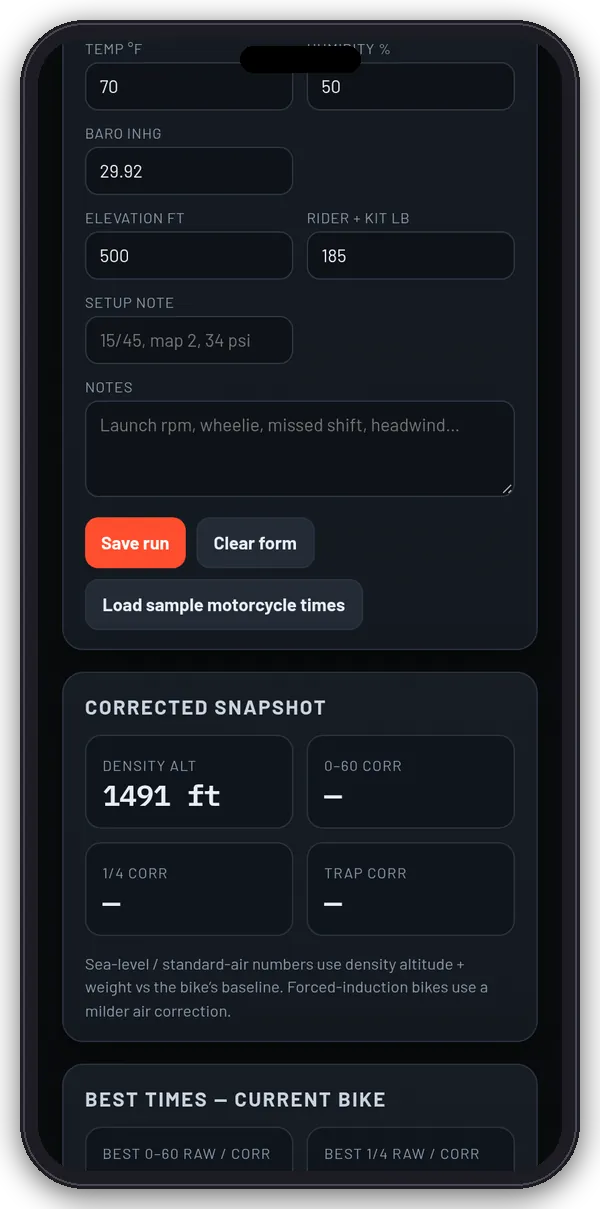
- The Corrected snapshot shows density altitude and corrected 0–60, 1/4 mile and trap speed.
- Air: naturally aspirated engines assume about 3% power loss per 1,000 ft of density altitude (1% for turbo and electric), and times scale with the cube root of power.
- Weight: ET × (weight ÷ baseline)^(1/3).
- Adjust has the weather inputs and a what-if calculator (new rider weight or target density altitude). Compare puts two runs side by side.
Tips
Change one thing at a time, and compare corrected 0–60 and 1/4 before you chase a new part. These are workshop estimates, not NHRA class indexes. Runs stay in this browser.