Android app
Chainline for Android
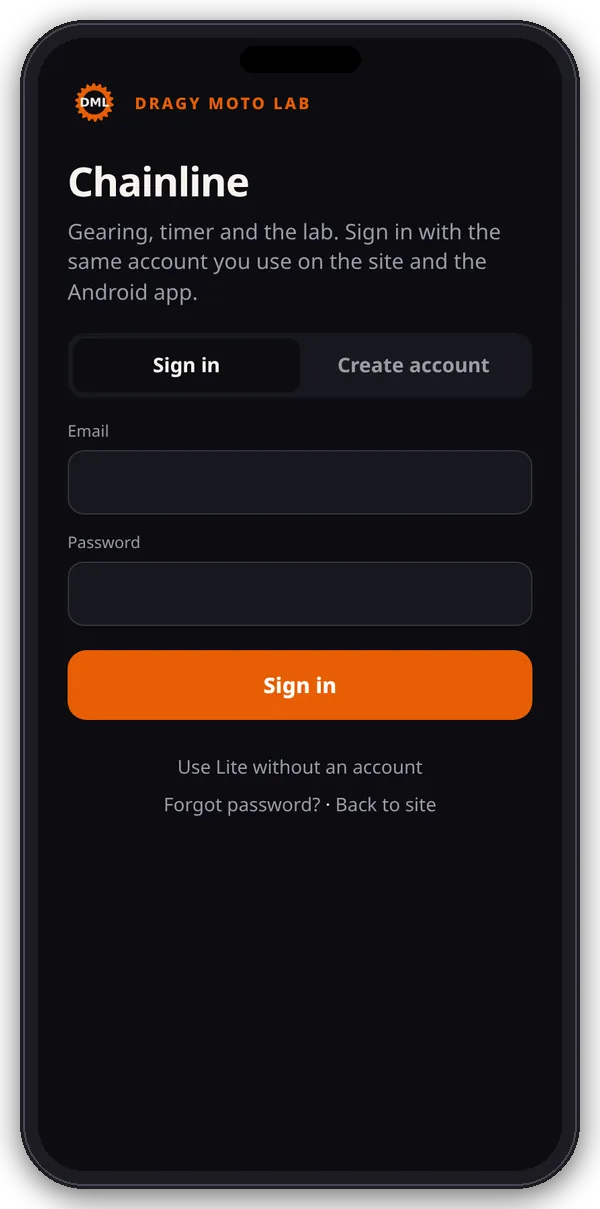
An Android app that opens the Chainline web app full screen, with its own home-screen icon. You sign in, start the trial and manage Pro exactly as on the website.
Version 1.1.0 · 28.5 KB · Android 7.0 or later
Install it
- On your Android phone, tap Download the APK above. The file is called Chainline.apk.
- Open the download from the notification or your Downloads folder.
- Android asks you to allow installs from your browser (for example “Allow from this source” for Chrome). That’s normal for apps installed from a website rather than Google Play. Allow it, then go back.
- Tap Install, then Open. You can turn “Allow from this source” off again afterwards.
- Sign in or create an account on the first screen.
What the app does
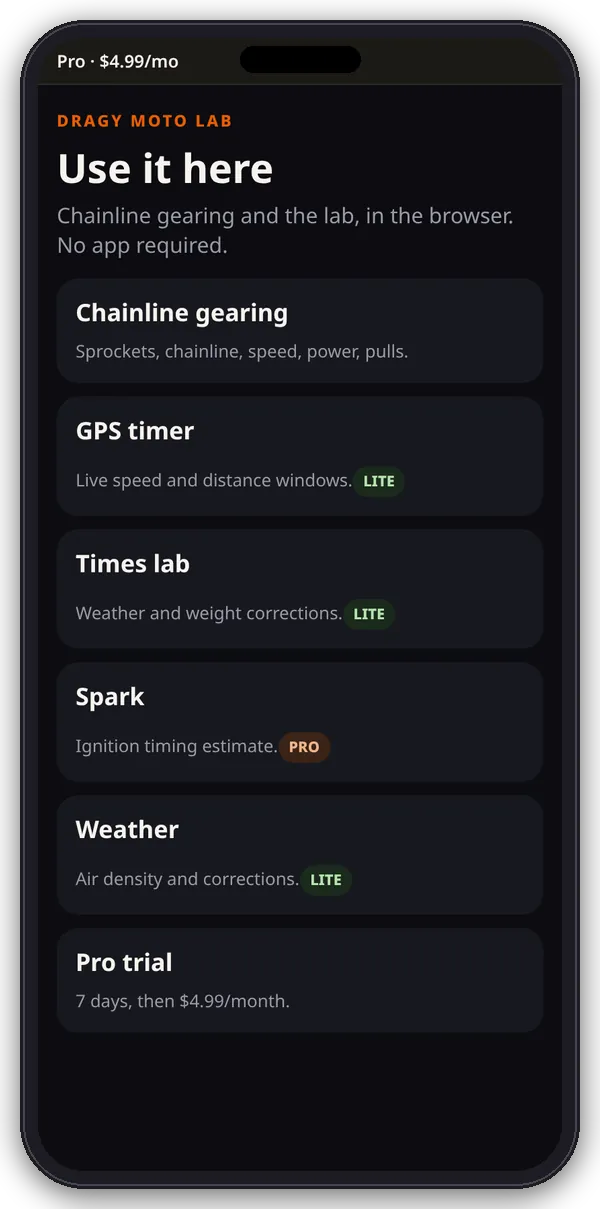
- Opens dragymotolab.e-splice.com/app/ in a full-screen app view, so the tools, your account, the 7-day trial and Pro work the same as on the website.
- Pages on this site (checkout, My Account) stay in the app. Links to other sites, like retailer searches, open in your browser.
- It needs an internet connection. With no connection it shows a “No connection” screen with Try again.
- Bikes, runs and settings are saved inside the app on that phone, separately from your phone’s browser.
Permissions
- Internet: to load the app.
- Location (precise or approximate): only asked for when you use the GPS timer or the weather for your area. You can say no and still use the other tools.
Check the download
| Item | Value |
|---|---|
| App name | Chainline |
| Package | com.chainline.gearing |
| Version | 1.1.0 (version code 2) |
| File size | 29,220 bytes (28.5 KB) |
| Requires | Android 7.0 (API 24) or later |
| Signing certificate SHA-256 | 46:AE:5B:A1:83:A2:68:E3:BC:BA:1C:EB:9D:12:68:A2:72:90:B3:2D:D3:86:DD:5D:54:AD:98:45:B4:47:7F:02 |
| APK file SHA-256 | 0db194560caf9dbf44e291055b6c5b7f75fb6ccb3557eaae2a9b56f603e5764d |
The certificate fingerprint identifies who signed the app; every future Chainline APK from this site is signed with the same certificate. If you installed a Chainline APK from somewhere else before, uninstall it first: Android won’t update an app signed with a different certificate.
Prefer not to install?
Use the web app at /app/ and add it to your home screen instead. See Getting started.