Guide
Garage
How to keep your bikes in one place and choose the active one.
What it does
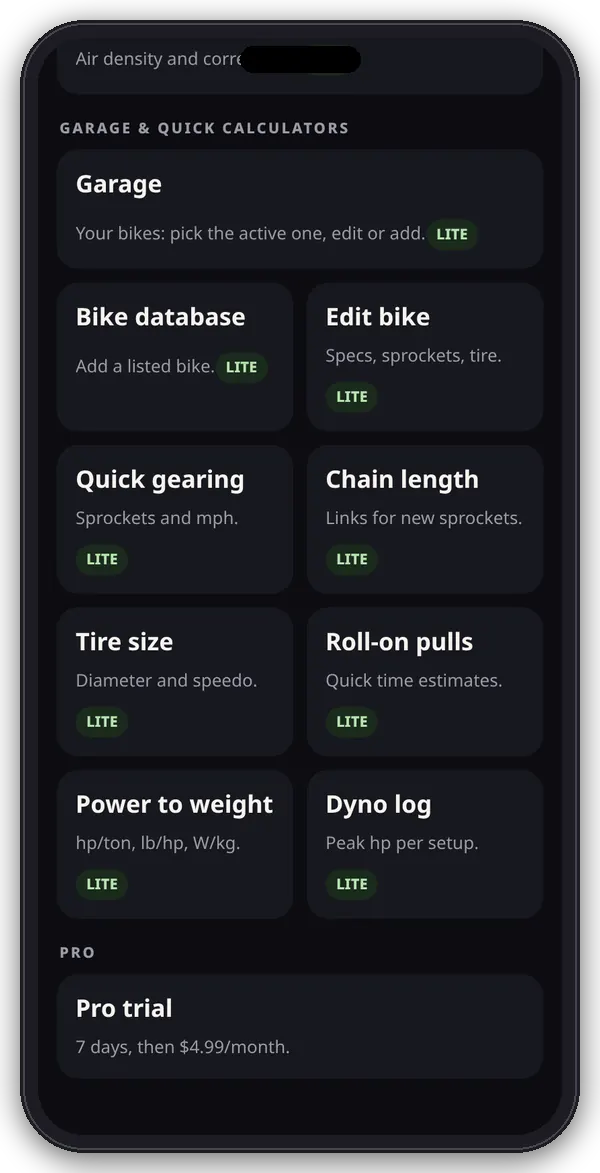
The Garage is the bike list for the quick calculators. Quick gearing, Chain length, Tire size, Roll-on pulls, Power to weight and the Dyno log all use the active bike.
1. Open the garage
- In the app, open Garage under Garage & quick calculators on the hub.
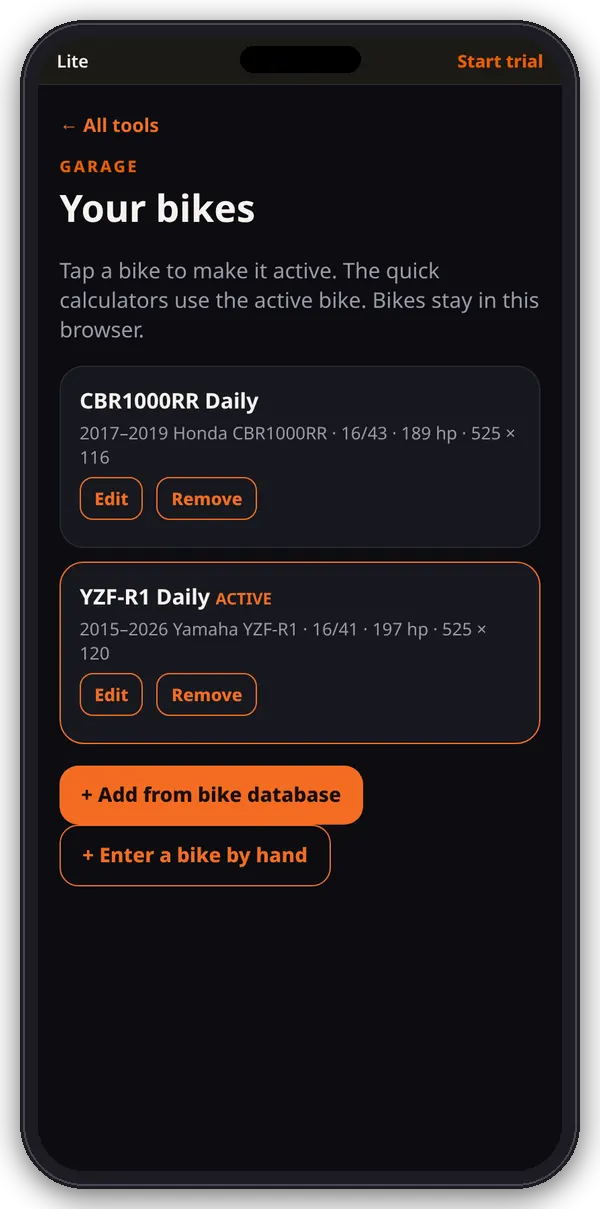
- The first time, it holds one example bike, “CBR1000RR Daily” (2017–2019 Honda CBR1000RR, 16/43, 525 chain × 116 links).
2. Add your bike
- + Add from bike database: search the bench library and tap your bike.
- + Enter a bike by hand: type in the numbers yourself (see the Edit bike guide).
- A new bike becomes the active bike.
3. Pick the active bike
- Tap a bike’s card to make it active. It gets an orange outline and an ACTIVE tag.
- Each card shows years, make and model, sprockets now, horsepower, and chain size × links.
4. Edit or remove
- Edit opens that bike’s numbers.
- Remove deletes it after you confirm. The last bike can’t be removed.
Where the numbers live
Everything here is saved in this browser on this device (the garage list, active bike, pulls and dyno entries). It doesn’t sync to other phones or browsers, and clearing the site’s data deletes it.